Skip to content

News

A Short Tour of the New Features in SocNetV v1.4

Over the last weeks, the Social Networks Visualizer (SocNetV) project has released two new versions that bring useful features and bugfixes. The latest v1.4 closes even 4-year-old bugs!

SocNetV v1.4: Erdos-Random-Social-Network

Multirelational Editing

One of the strongest new features in SocNetV v1.4 is multirelational editing. Now, you can:

  1. Load or create a network (e.g., friendship ties in a classroom).
  2. Add a new relation (e.g., “likes”) using Ctrl+Shift+N or the + button.

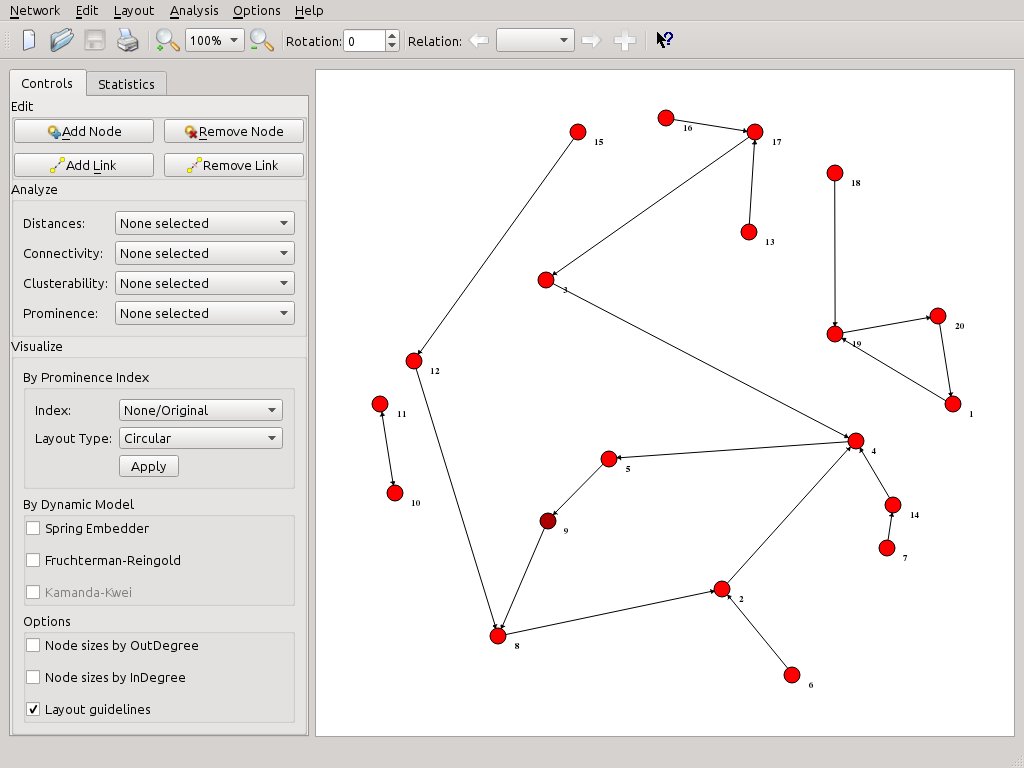
SocNetV v1.4: Friendship Network
SocNetV v1.4: Classroom Social Network - Friendship

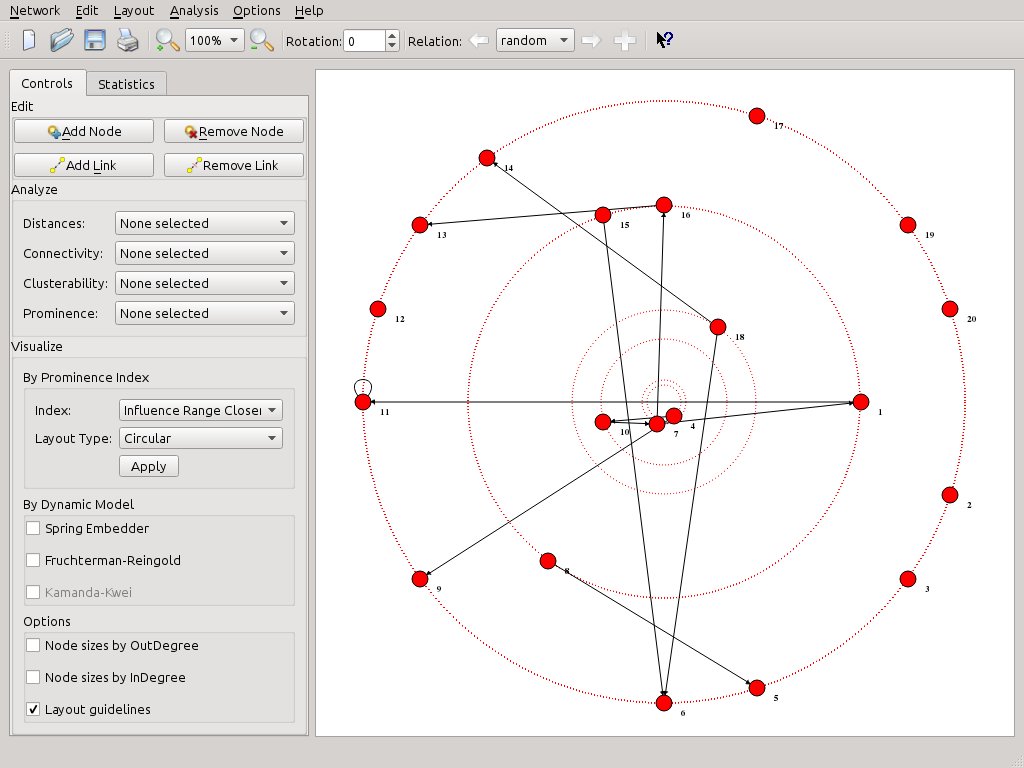
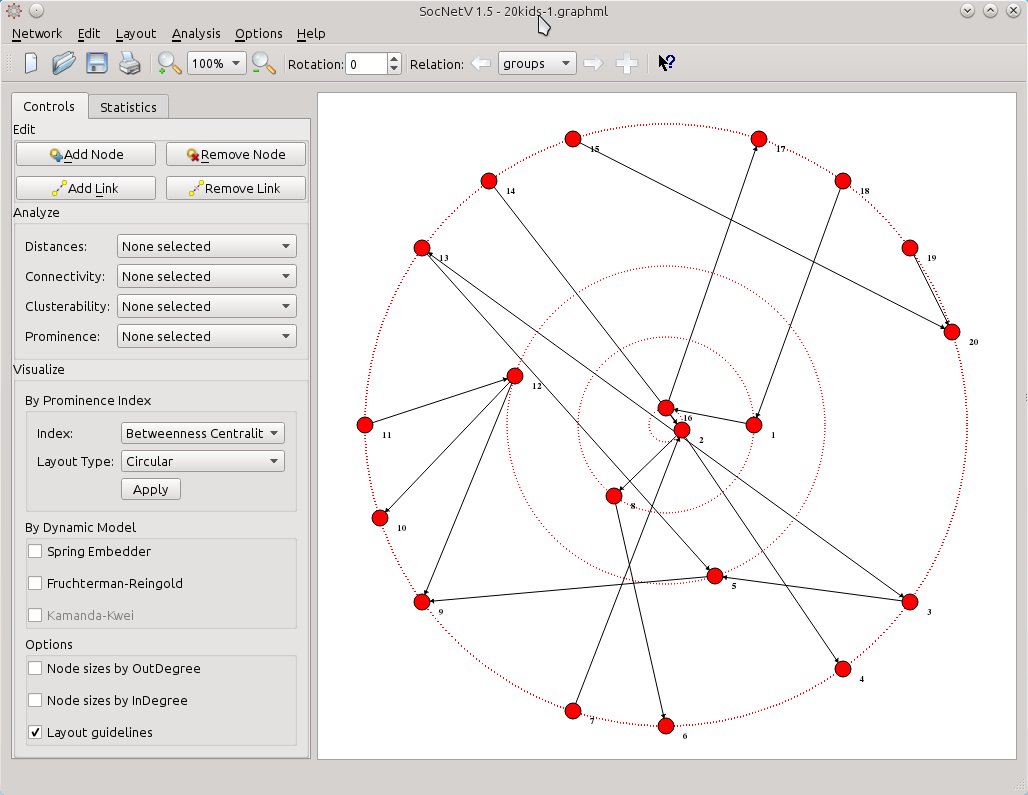
Easily switch between relations, analyze, and visualize them. For example, apply a circular layout based on Betweenness Centrality to one relation and compare it with another relation’s node size visualization.

Betweenness Centrality Visualization
Betweenness Centrality Visualization in a Circular Layout

Loading and Saving Multirelational Networks

  • SocNetV now supports loading multirelational networks (e.g., UCINET formatted files).
  • However, when saving, each relation must be saved individually. This will be improved in future versions.

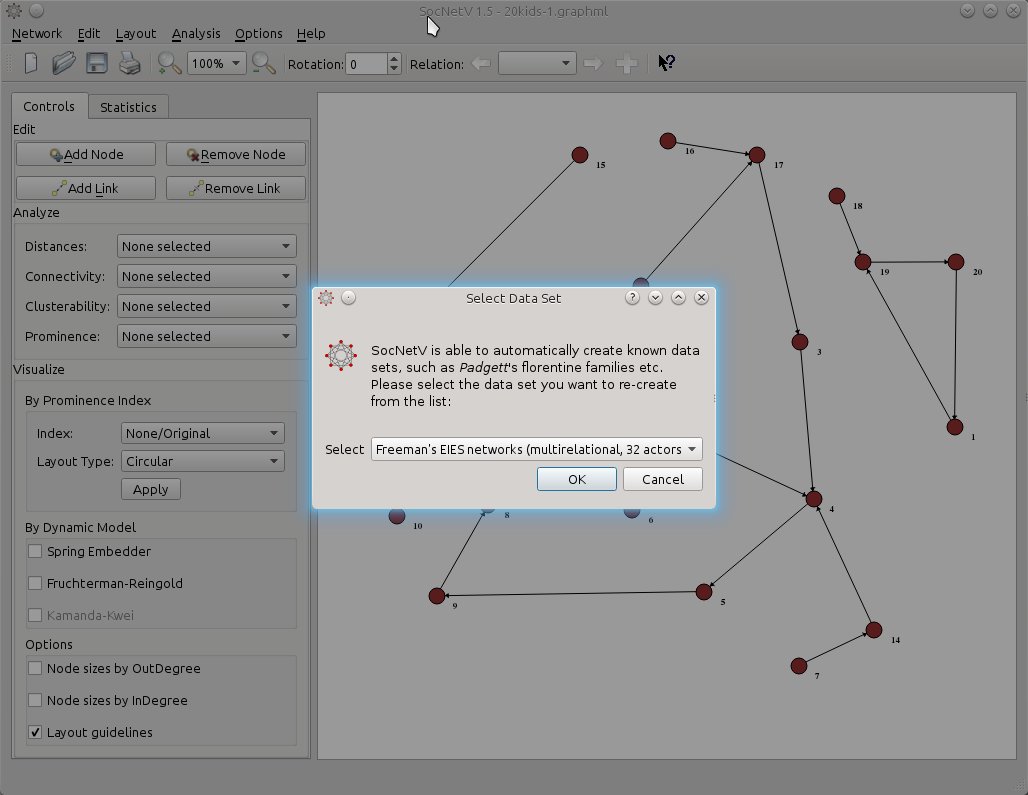
For example, you can test this feature with the Freeman’s EIES networks dataset.

Freeman's EIES Networks
SocNetV v1.4: Freeman’s EIES Networks

Memory Optimizations

SocNetV v1.4 is optimized for low memory consumption and speed:

  • Handles networks with 1000 actors and 10,000 edges in seconds.
  • Consumes less than 400MB RAM.

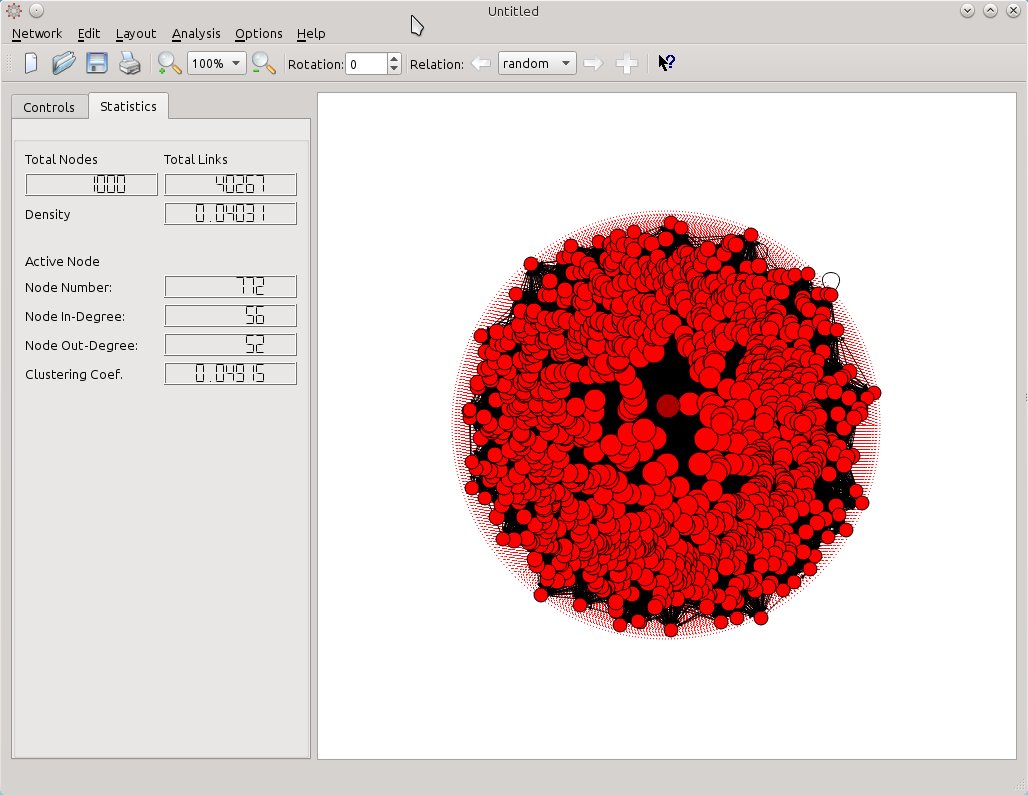
Random Erdos-Renyi Network
Random Erdos-Renyi Network with 1000 actors and 40,000 edges.

Additional Enhancements

  • Improved visualization layouts (circular and nodal size based on prominence indices).
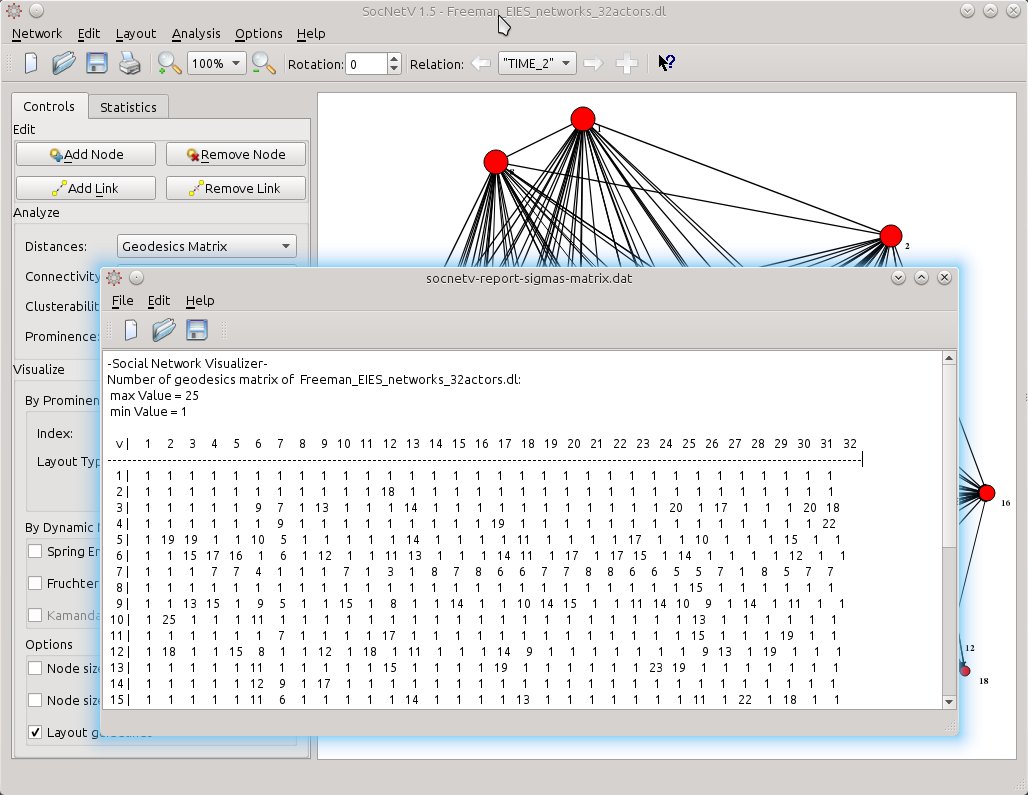
  • Faster analysis of large datasets with new tools like Triad Census and Geodesic Matrix.

Geodesic Matrix Analysis

Bugs Fixed

Version 1.4 addresses several bugs (see the ChangeLog) and introduces stability improvements. However, testing and feedback are always welcome to ensure the best user experience.


Download the latest version from the SocNetV Downloads page and enjoy exploring your networks!

SocNetV v1.4 Released!

Today is a fine day to release another SocNetV update. Version 1.4 brings consistency to the application by fixing many long-standing bugs (e.g., #514264 and #713617) and adding exciting new features.

New Features

  • Node Size Layouts Based on Prominence Scores:

    • SocNetV can now adjust node sizes to reflect a selected prominence index score.
    • This feature supports all indices calculated by SocNetV, including Degree, Closeness, Influence Range Closeness, Betweenness, PageRank, Proximity, Eccentricity, and Power.
  • Support for UCINET Edgelist1 Format:

    • SocNetV can now import edgelist1 UCINET format, for example:
dl
N=48
format=edgelist1
data:
1 2 4
1 3 2
1 6 2
1 8 2
  • Updated Shortcuts for Node and Edge Removal:

    • Node removal: Ctrl+Backspace
    • Edge removal: Shift+Backspace
    • You can also click on a node and press Ctrl+Backspace to remove it.
  • New Dataset:

    • Freeman’s EIES networks are now included:
      • Multirelational mode: 32 actors.
      • Single relation mode: 48 actors.

Bug Fixes

This release addresses many longstanding issues, enhancing stability and usability. See the complete ChangeLog for more details.


Downloads

Source code, packages, and executables for Linux, Mac OS X, and Windows are available on the Downloads page.


Have fun!

SocNetV v1.3 Released!

A new version of Social Network Visualizer is available! SocNetV v1.3 introduces significant features, bug fixes, and optimizations.


New Features

  • Multirelational Networks:

    • SocNetV now supports networks with multiple types of ties between actors.
    • When creating the first link, SocNetV prompts the user to name (or label) the new relation.
    • Additional relations can be added by pressing the + button in the toolbar.
    • Switch between relations using the arrow buttons in the toolbar.

    Example Multirelational Network

  • Home Directory for Data:

    • All reports and data are now saved to $HOME/socnetv-data.

Optimizations

  • Memory and Speed Improvements:

    • SocNetV can handle networks with up to 1,000 actors and 10,000 edges efficiently.
    • Uses under 400MB of RAM for such networks, with significantly improved performance.
  • UCINET Import Fixes:

    • Enhanced UCINET import functionality now supports multiple matrices.

Downloads

Source code, packages, and executables for Linux, Mac OS X, and Windows are available on the Downloads page.


Enjoy the new version of SocNetV!

SocNetV Website Gets a Face Lift

After nine years of relying on plain HTML files for our web presence, it was time for the Social Network Visualizer (SocNetV) website to receive a modern overhaul. We’ve transitioned to the open-source GetSimple CMS, which offers a completely text-based, fast, and user-friendly experience.

The new design is based on a heavily modified version of the “my-company” theme, bringing a clean and professional look to the site.

Highlights of the Update

  • A new and improved News Section with historical content, allowing visitors to scroll through older updates.
  • A comprehensive Screenshots Gallery showcasing SocNetV in action from its early days to the latest features.

We hope you enjoy the revamped website and find it easier to navigate and explore!

Visit the website now!

SocNetV 1.2 Released with New GUI and Features

SocNetV version 1.2 has been released! This update brings a major GUI overhaul, new prominence measures, advanced visualization layouts, and numerous bug fixes.


Highlights

Redesigned Conceptualization of Prominence

SocNetV now distinguishes between Centrality indices and Prestige indices, following frameworks by Wasserman & Faust and Knoke & Burt:

  • Centrality Indices (for undirected graphs or outLinks in digraphs):

    • Degree Centrality (DC)
    • Closeness Centrality (CC)
    • Influence Range Closeness Centrality (IRCC)
    • Betweeness Centrality (BC)
    • Stress Centrality (SC)
    • Eccentricity Centrality (EC)
    • Power Centrality (PC)
    • Information Centrality (IC)
  • Prestige Indices (for directed graphs, focusing on inLinks):

    • Degree Prestige (DP)
    • Proximity Prestige (PP)